Ingest safely
Copy a complete card or only JPG, RAW, tagged, protected, or selected photographs. Preserve camera folders and verify every copy.
 CardFlow
Professional photo workflow for Mac and iPad
Ingest, cull, caption, rename, edit, and deliver—without the clutter of a full production suite.
One purchase. Mac and iPad. No subscription. No CardFlow account.
Your assignment, without the clutter
Copy a complete card or only JPG, RAW, tagged, protected, or selected photographs. Preserve camera folders and verify every copy.
Review a clean contact sheet, keep RAW+JPG pairs together, and use tags, ratings, protection, and color classes.
Load agency XMP templates, apply common IPTC to a set, and refine captions photograph by photograph.
Build assignment filenames from dates, custom codes, separators, and safe sequences while keeping companion files together.
Adjust exposure and color, crop, and straighten on iPad—or open photographs in your preferred Mac editor.
Send captioned work through saved FTP destinations, export folders, AirDrop, Mail, Messages, and installed apps.
One familiar workflow
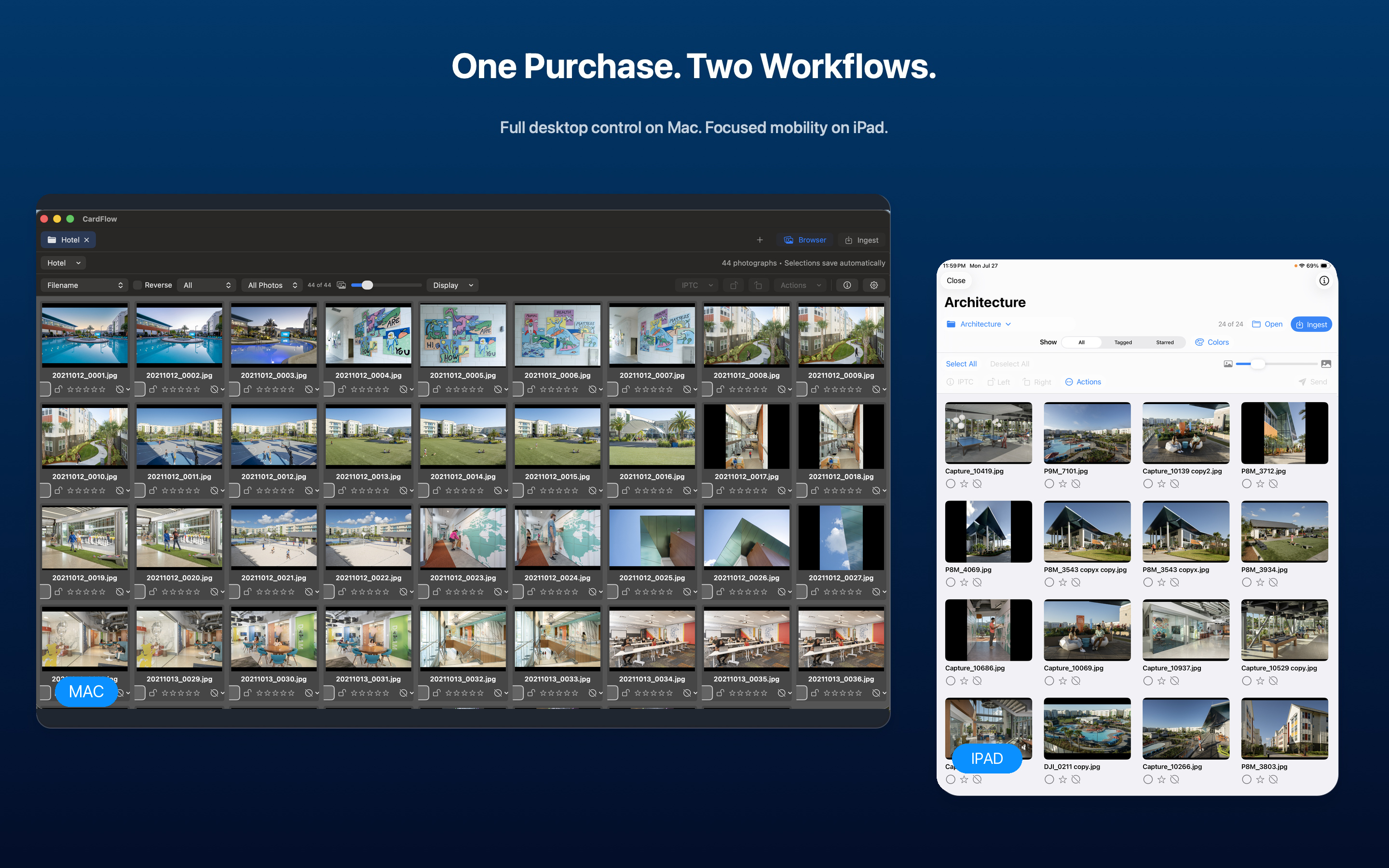
Use the complete desktop workflow on Mac, or carry the focused assignment workflow on iPad. CardFlow keeps the same professional language and habits across both.
CardFlow by 3PM Studios
Support and privacy information are available now. App Store availability is coming soon.